
Secure Access DLL Example
- Interface:
CAN - Vendor Device:
Simulate
Build The DLL
You can do it with yourself method, or you can cmake. (only support x64 platform) Steps are as follows:
open vs x64_x86 cross tools command prompt terminal
Execute the following command:
bashcd SeedKey mkdir build cd build cmake .. -A x64 cmake --build . --config Releasedllfolder contains the pre-built dll file.
Use The DLL
The project setup a simulate device, which can be used to test the dll. A node item attach the script(node.ts)
TIP
Need x64 platform dll file
typescript
import { SecureAccessDll } from 'ECB'
import path from 'path'

//setup dll
const sa = new SecureAccessDll(path.join(process.env.PROJECT_ROOT, 'dll', 'GenerateKeyEx.dll'))
//call the function
const seed = sa.GenerateKeyEx(
  Buffer.from([1, 2, 3, 4, 5]),
  1,
  Buffer.from([1, 2, 3, 4, 5]),
  Buffer.from([1, 2, 3, 4, 5])
)
console.log(seed)
Steps
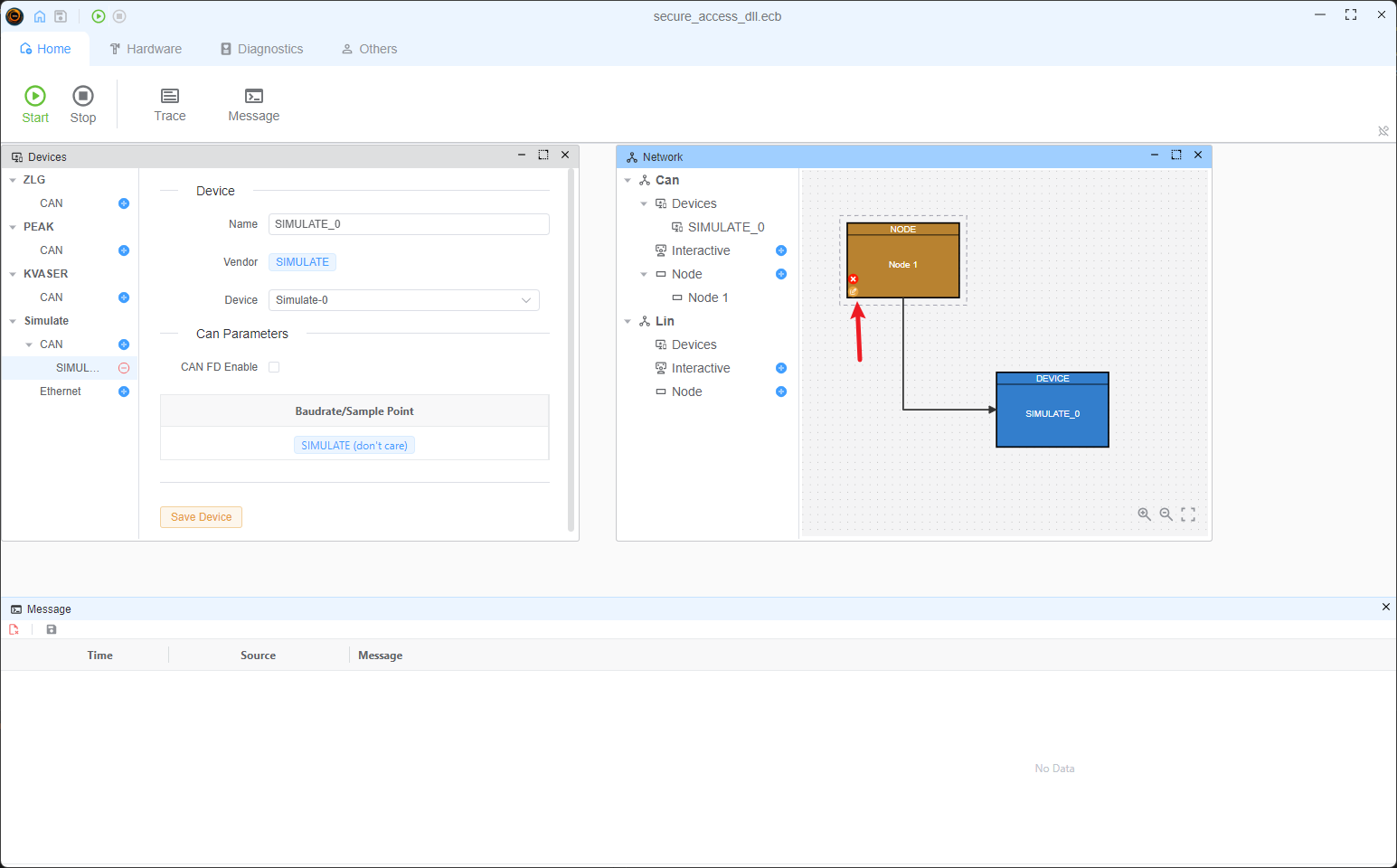
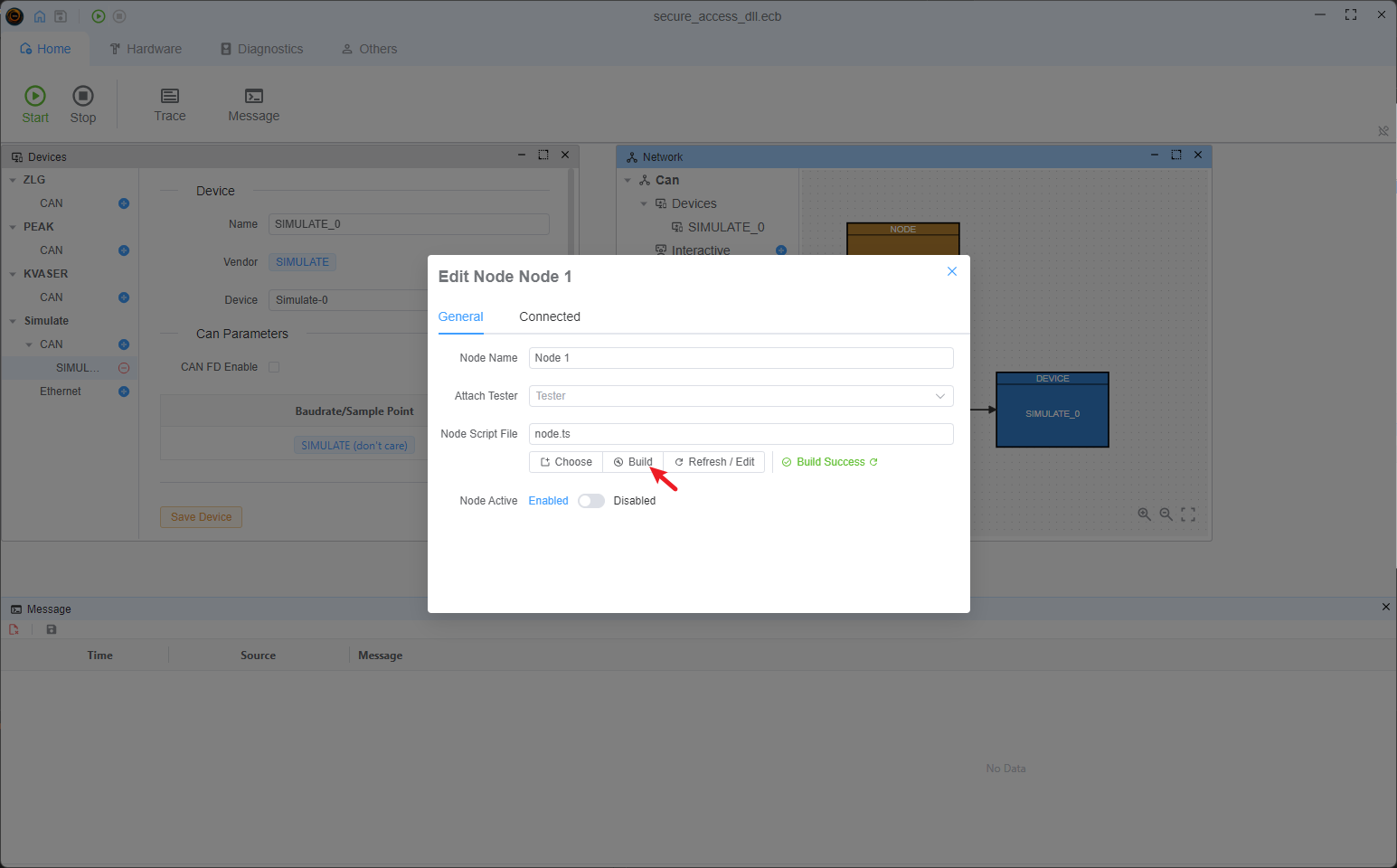
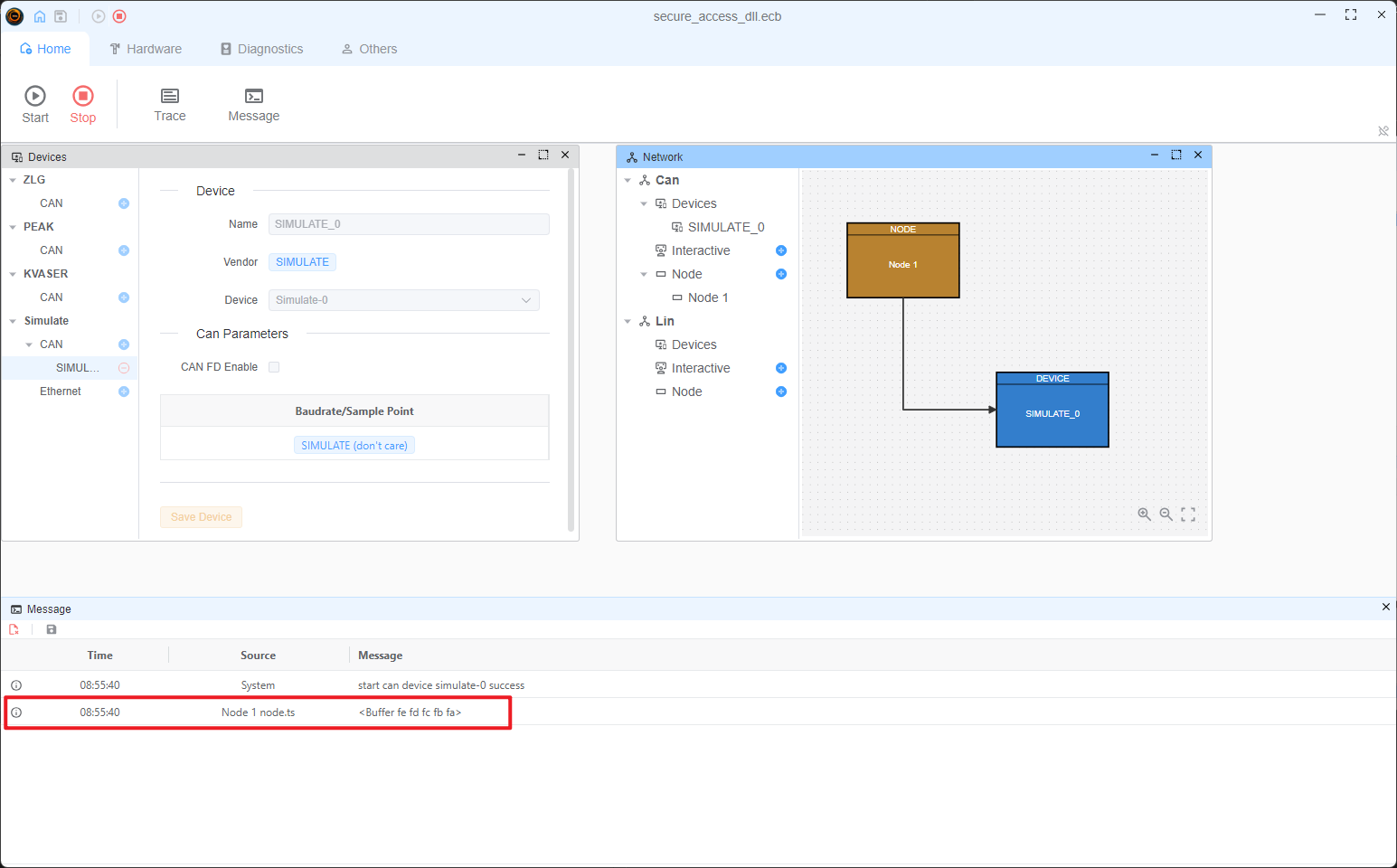
Others
The default dll warper follow the Guide, if you want to use other interface, you can build the wrapper by yourself. See the source code for more information.