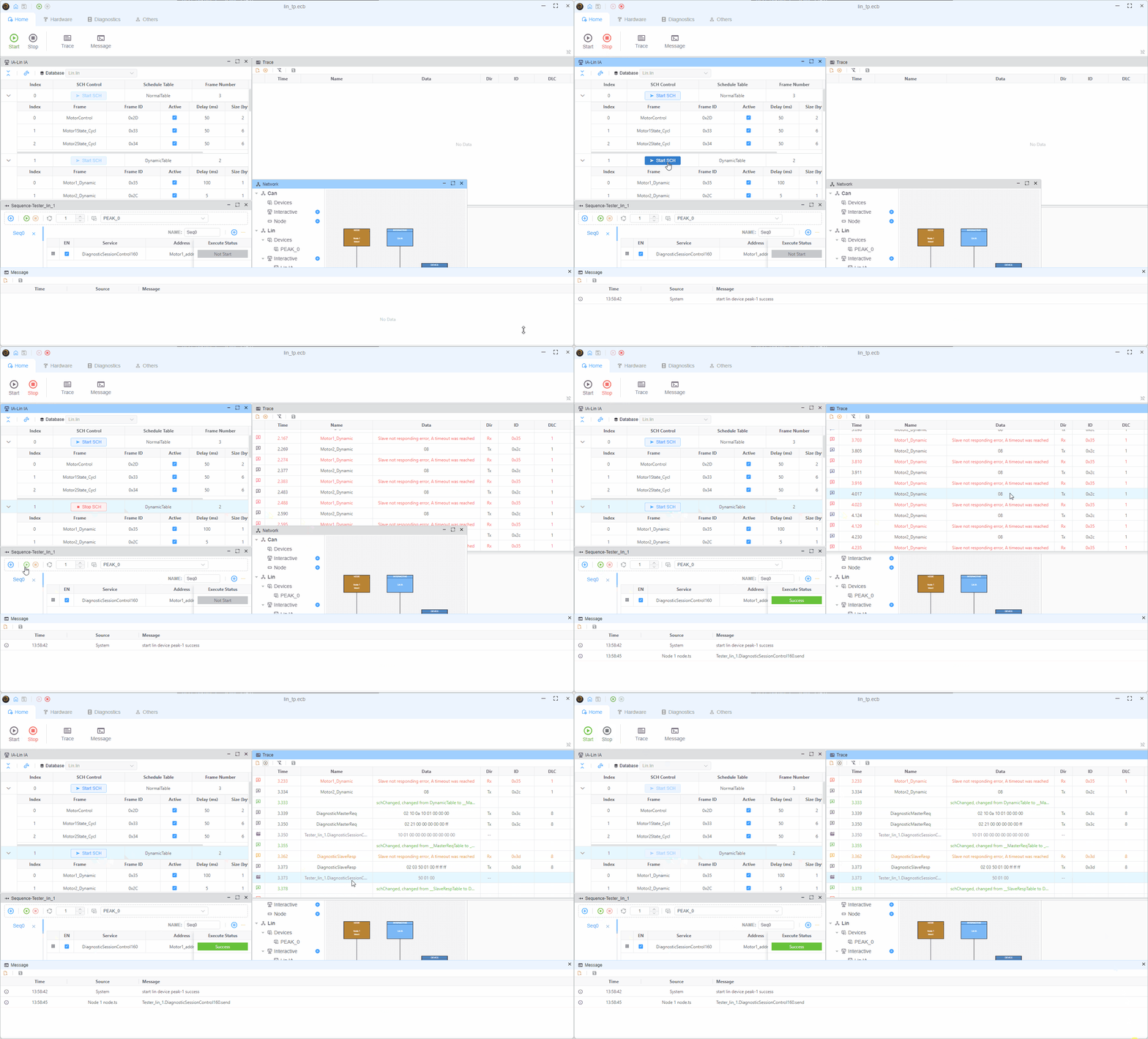
LIN 主节点示例
本示例演示如何使用 LIN 协议作为 LIN 主节点并模拟 Motor2 节点。
使用的设备
PEAK
Windows
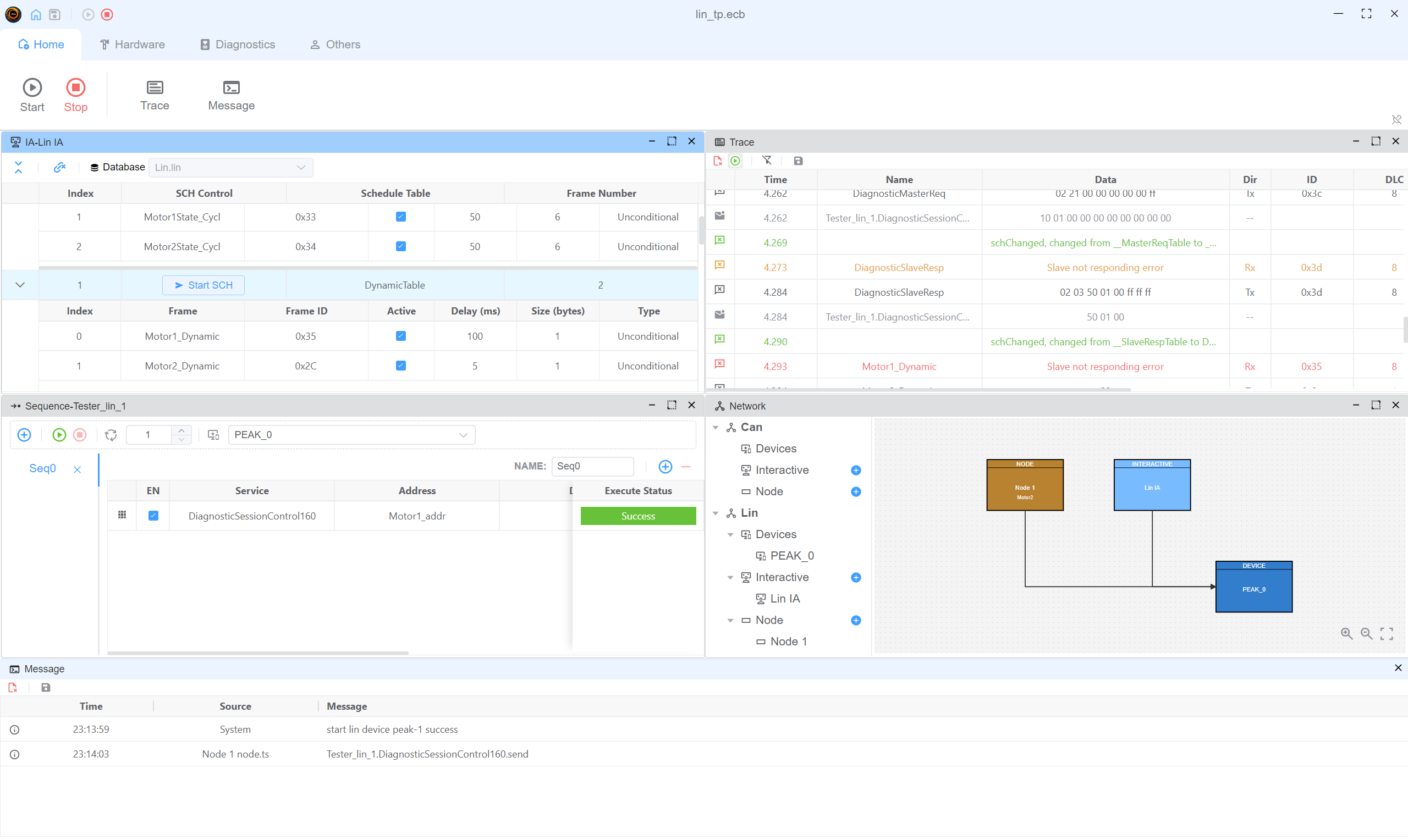
- LIN IA:控制 LIN 调度表
- Sequence-Tester_lin_1:发送诊断请求
- Trace:查看 LIN 帧
- Network:查看 LIN 网络连接
节点脚本
Motor2 将模拟 LIN 节点。 LIN 节点在接收到请求时将发送响应。按下 'c' 键时,LIN 节点将发送保存配置请求。
typescript
import {
  DiagResponse,
  DiagRequest,
  ServiceItem,
  outputLin,
  LinDirection,
  LinChecksumType
} from 'ECB'

Util.On('Tester_lin_1.DiagnosticSessionControl160.send', async (v) => {
  console.log('Tester_lin_1.DiagnosticSessionControl160.send')
  const resp = DiagResponse.fromDiagRequest(v)
  await resp.outputDiag()
})

Util.OnKey('c', async () => {
  await outputLin({
    frameId: 0x3c,
    data: Buffer.from([2, 1, 0xb6, 0xff, 0xff, 0xff, 0xff, 0xff]),
    direction: LinDirection.SEND,
    checksumType: LinChecksumType.CLASSIC
  })
})
演示