Logger
By configuring a logger, you can export all related trace data elsewhere, addressing the limited storage capacity of the Trace window in the UI.
How to add a logger
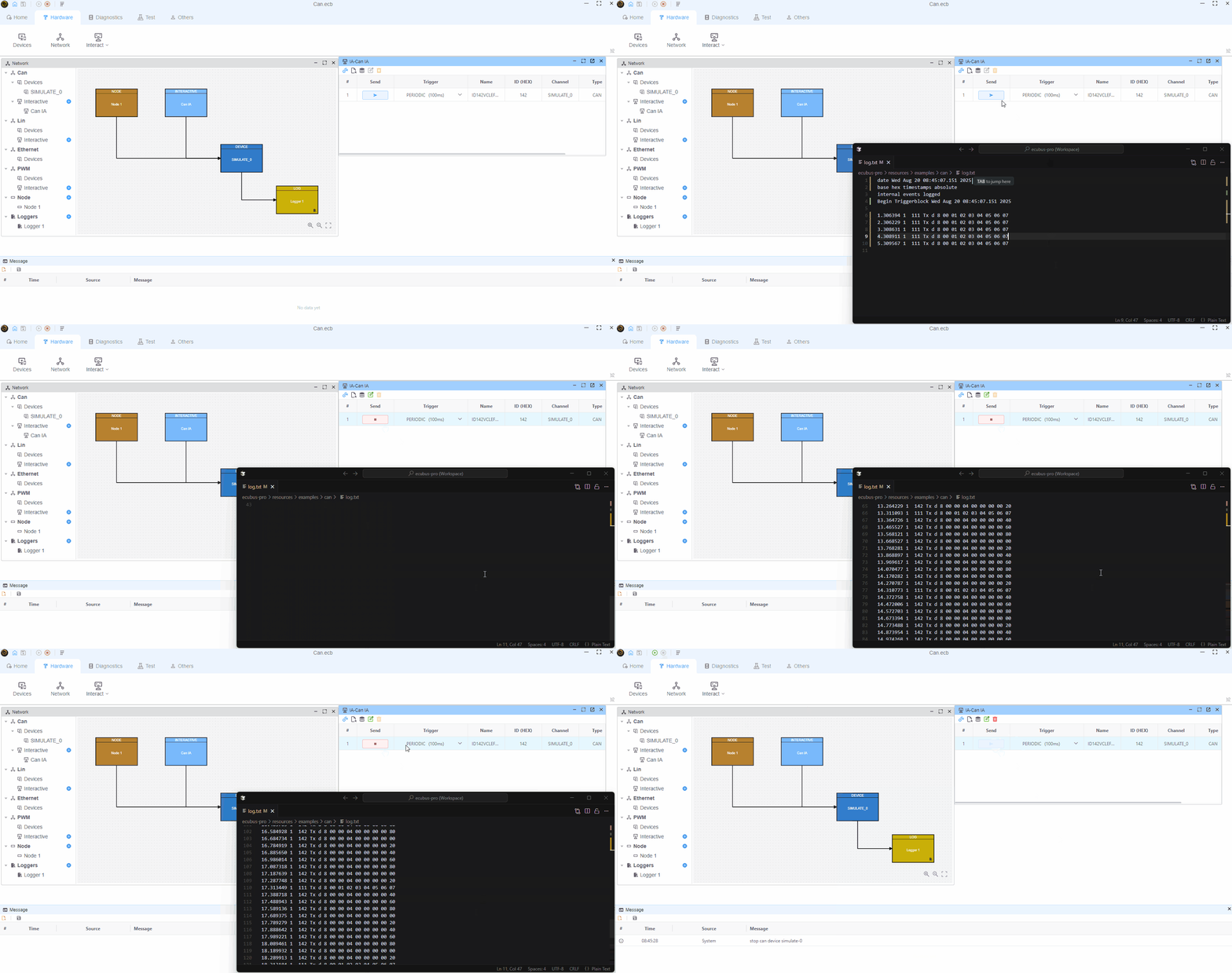
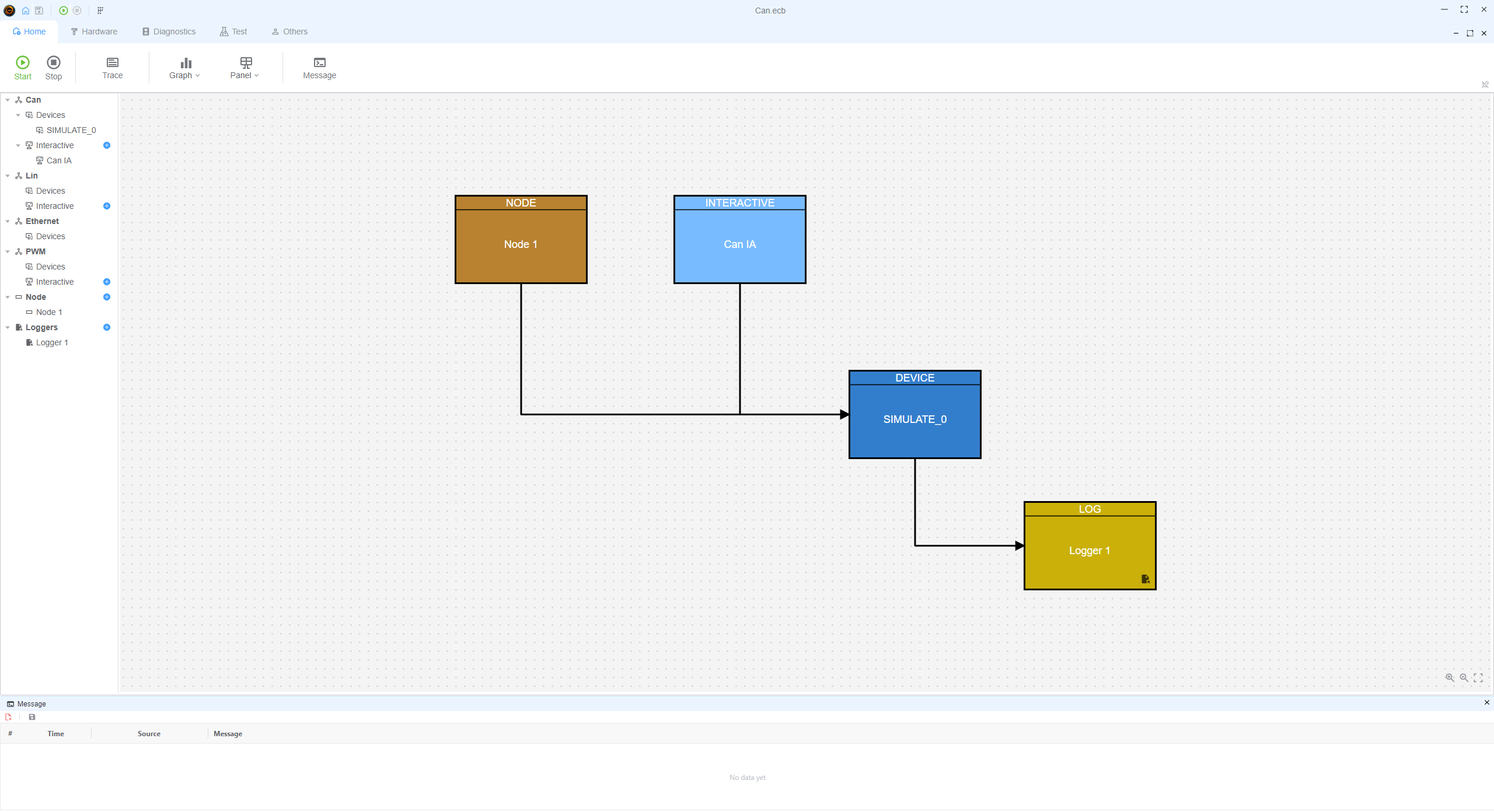
Open the network configuration via Hardware -> Network, then add a logger under Loggers.
Configure the logger
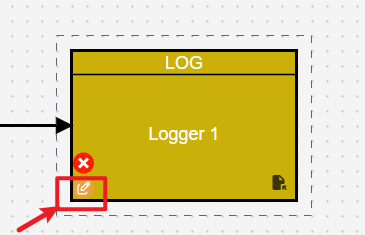
Hover over the target logger and click the ✏️ button to edit it.
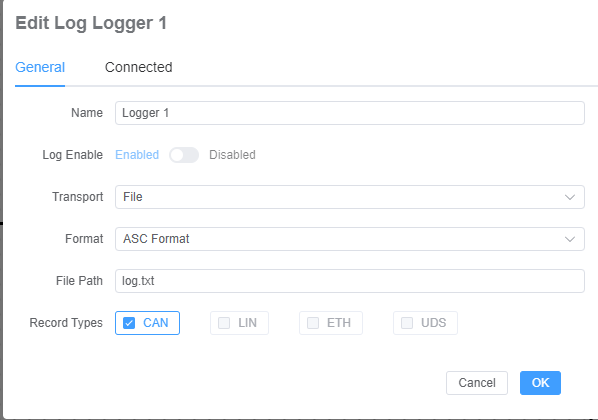
Transport
- File: write frames to a file; select the destination path
- Socket: write frames to a socket (not supported yet)
Format
- ASC: Vector ASC format
- CSV: comma-separated text format (not supported yet)
- BLF: Vector BLF format
Record Types: choose the types of frames to record
- CAN: record CAN frames
- LIN: record LIN frames
- ETH: record Ethernet frames
- UDS: record PW
BLF format
BLF format is a binary format for logging CAN frames. It is supported by Vector tools and can be used to analyze CAN frames. 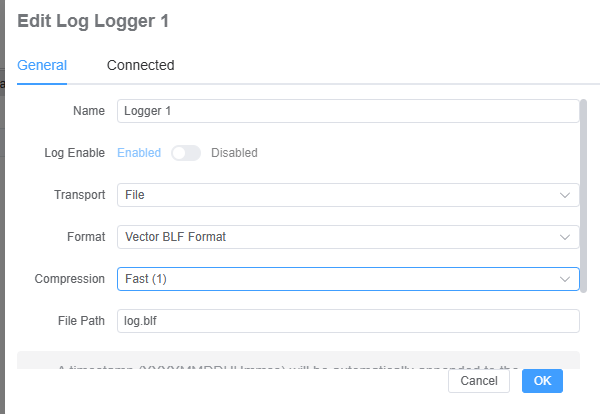
Test with CANoe
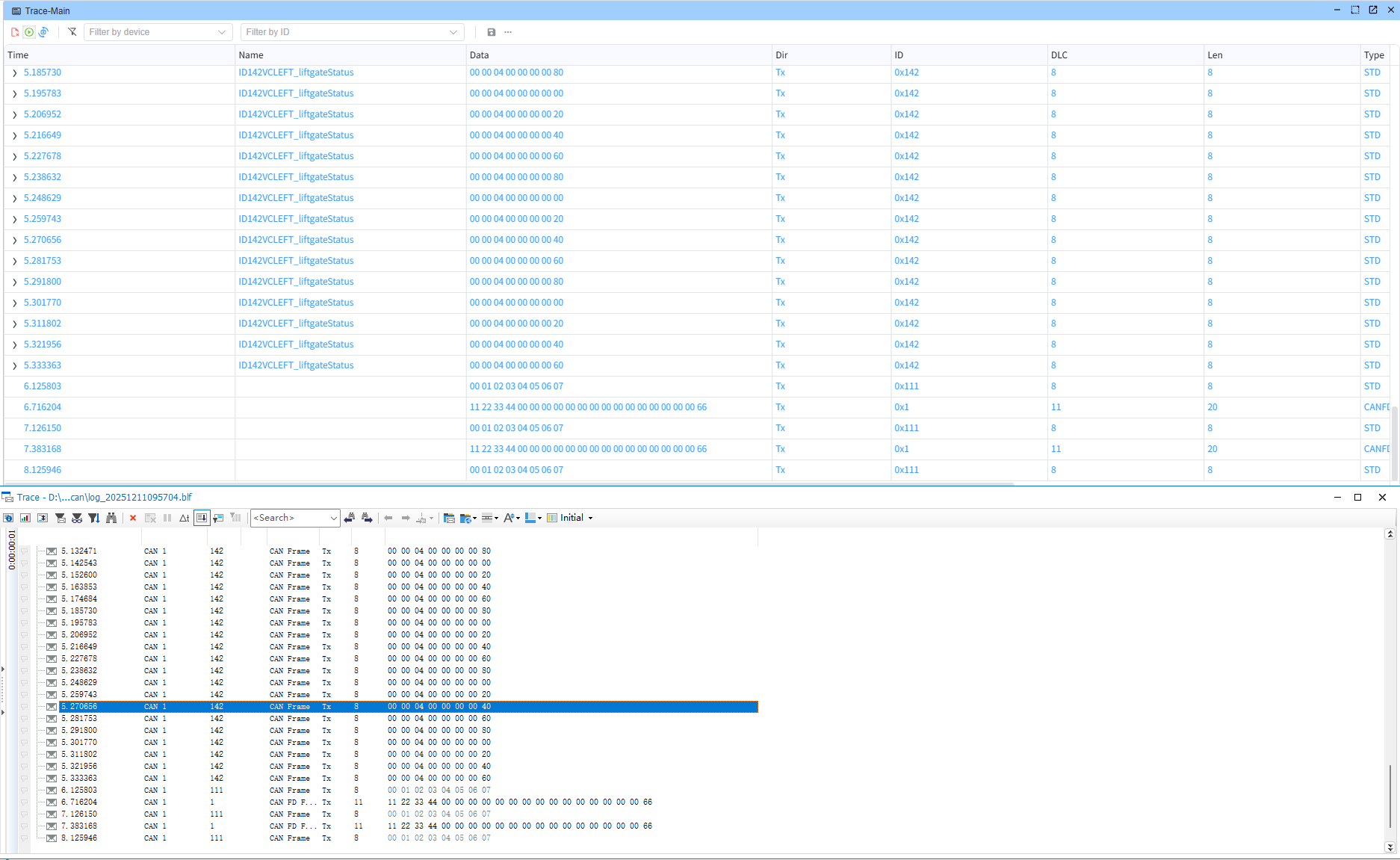
Demo: write to file